


Most firms shopping for the best immigration case management software really want one straightforward answer: Which tool will actually keep forms, deadlines, and clients organized, instead of becoming one more thing to manage? Below, we compare six top platforms for immigration attorneys, paralegals, and firm operators who are weighing their options, with an honest, side-by-side look at what each one does well, where it comes up short, and what it costs.
We evaluated all six on the criteria that matter most for immigration case management software for attorneys: form automation, deadline and priority-date tracking, client intake and multilingual communication, document management, billing, ease of use, and value. If you're comparing the best immigration case management software 2026 has to offer, know that the market has matured. Several platforms now layer AI-assisted drafting, direct e-filing, and CRM functionality on top of the tracking that used to define the category. The right system is an extension of your firm's workflow, meaning less time re-keying data and more time on legal work.
Note: 8am™ DocketWise is an 8am solution. We have included it in this comparison alongside competing platforms and have aimed to describe each fairly, but readers should weigh our assessment of our own product accordingly.
What is immigration case management software?
Immigration case management software is a system that organizes, tracks, and automates the work tied to immigration cases—including preparing USCIS, DOL, and DS forms; monitoring receipt notices and RFE deadlines; managing client intake; storing documents; and filing with government agencies—all from one place. The best case management software for immigration does all of that without adding extra steps for your team, and that matters because immigration work is form-heavy and deadline-driven: a single missed priority date or mistyped field carries real consequences for a client.
A genuinely immigration-native form library kept current with every government release, automated data reuse across forms, and multilingual intake, versus a general legal platform with immigration bolted on. The best immigration law tools treat immigration as the whole job, not a checkbox.
Top 6 immigration case management tools for law firms
This list draws on search engine results analysis of existing comparisons, verified reviews on G2, Capterra, and GetApp, and each vendor's own product pages, and considers form automation, deadline tracking, multilingual intake, document management, billing, ease of use, and value. Pros and cons reflect a selection of published user reviews and vendor sources, current as of the publication date. They are illustrative rather than a comprehensive account of every review.
| Tool | Key features | Pros | Cons |
| Smart form automation that auto-populates USCIS/DOL/DS forms USCIS case & priority-date tracking Secure client portal with e-filing and e-signature | Intuitive, easy to learn, responsive support Deep workflow customization and built-in CRM | Narrower fit for firms with practice areas beyond immigration | |
| eImmigration by Cerenade | 300-plus form library with auto-fill and e-filing Multilingual intake with Translator AI | Easy to use and well-organized Cost-effective compared with other systems evaluated | Interface feels dated to some reviewers |
| CampLegal | USCIS form automation with bi-directional syncing USCIS and Visa Bulletin monitoring | Time-saving automation with responsive support Visa Bulletin tracking stands out | Onboarding can be costly, with some reported data loss |
| LollyLaw | Form library updated within hours of release 100-plus multilingual questionnaires | Easy to learn, often within the first day Cost-effective relative to competitors | Pricing isn't published publicly |
| Legal Bridge | AI document intake and OCR Pre-built visa workflows by category | Consolidates scheduling, e-sign, and USCIS exports in one platform | No presence or reviews on major review platforms |
| Clio | Immigration-specific custom fields Integrations with DocketWise or PrimaFacie for form prep | Powerful automation for administrative and legal workflows | Not purpose-built for immigration, needing additional tools |
1. DocketWise
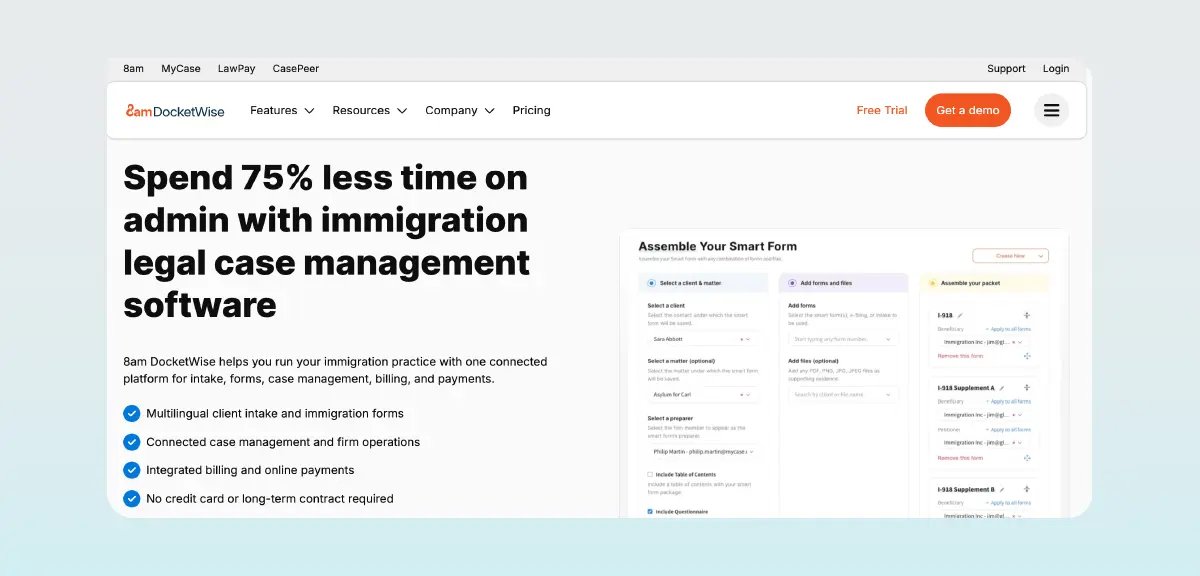
Best for: Immigration firms of any size that want an intuitive, immigration-specific platform to automate high-volume form preparation and keep clients informed.
DocketWise is purpose-built for immigration case management , not a general practice tool adapted to fit. Firms collect client data once through multilingual intake, and DocketWise auto-populates it across a large, frequently updated library of USCIS, DOL, and DS forms. It pairs that automation with USCIS case status and priority date tracking, a secure client portal, and integrated billing.
Key features:
-
Smart immigration form automation that auto-populates USCIS, DOL, and DS forms from data collected once
-
Multilingual intake questionnaires are mapped directly to the forms
-
USCIS case and priority-date tracking with automatic status updates and receipt-notice monitoring
-
Secure client portal, built-in e-signature, and direct USCIS e-filing without leaving the platform
-
AI-assisted drafting and translation with 8am IQ
-
Customizable matter workflows that auto-generate tasks by case type
-
Lead and intake CRM for capturing prospects via web forms, Messenger, WhatsApp, or SMS
Pros:
-
Intuitive and easy to learn, with responsive support
-
Continuously updated forms save prep time
-
Multilingual questionnaires enable client self-service
-
Deep workflow customization and a robust built-in CRM
Cons:
-
Narrower fit for firms with practice areas beyond immigration
Pricing: $69/user/month (Basic), $99/user/month (Pro), and $119/user/month (Advanced), with annual discounts and a free trial
2. eImmigration by Cerenade

Best for: Immigration law firms and non-profits, from solo to high-volume, that want a mature, highly customizable all-in-one immigration platform.
eImmigration offers a library of 300-plus immigration forms with auto-fill and direct e-filing to USCIS, DOL, and DOS, plus built-in immigration workflows, case-status tracking, multilingual intake with AI translation, and a command center for billing and trust accounting.
Key features:
-
300-plus form library with auto-fill and e-filing
-
Case-status and processing-eligibility tracking
-
Dozens of customizable workflows
-
Multilingual intake with Translator AI
-
Billing, payments, and trust accounting
Pros:
-
Easy to use and well-organized
-
Customizable data tracking via custom fields
-
Cost-effective compared with other systems evaluated
-
AI translation reduces communication barriers
Cons:
-
Some features feel rolled out before being fully ready; the interface feels dated to some reviewers
-
Doesn’t send automatic update on USCIS status change to clients, only to the firm
Pricing: Starter package is $55/user/per month, Essentials package is $82/user/per month, and Complete package is $100 / user/per month, with a free trial
3. CampLegal
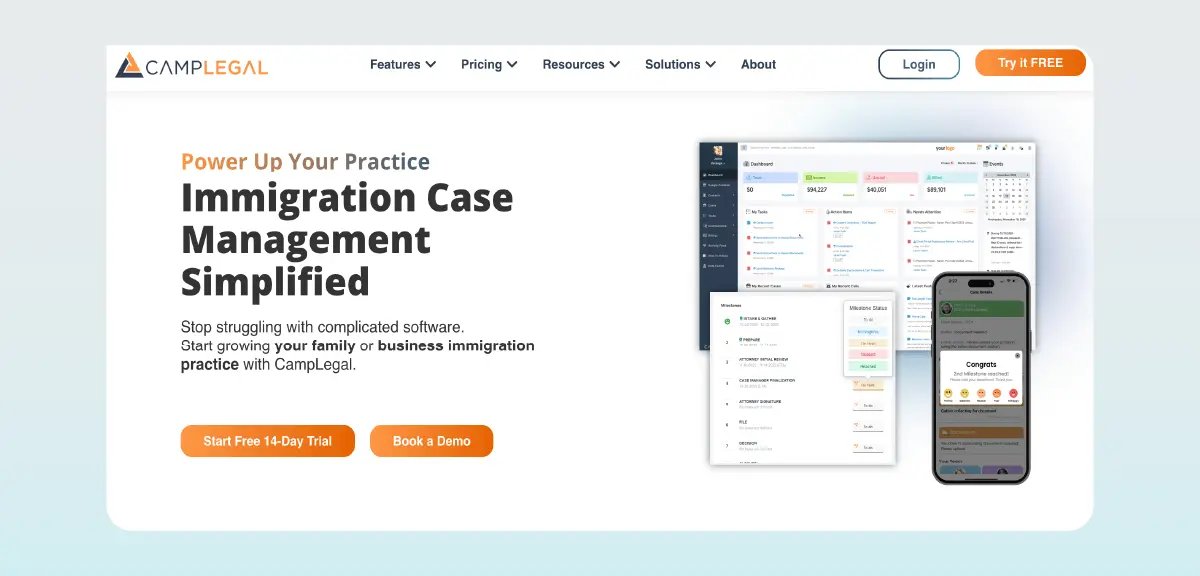
Best for: Immigration firms that want standardized, milestone-based processes and a modern client app without heavy custom setup.
CampLegal automates USCIS forms with bidirectional data syncing and organizes cases around milestone-driven workflows that automatically trigger tasks, messages, and e-signatures. It monitors USCIS status and the Visa Bulletin, and its ClientApp gives clients mobile intake and multilingual updates.
Key features:
-
USCIS form automation with bi-directional syncing
-
Milestone-driven workflows and reminders
-
USCIS and Visa Bulletin monitoring with receipt-notice extraction
-
ClientApp for mobile questionnaires and multilingual texts
-
Billing and trust accounting with milestone-triggered invoicing
Pros:
-
Keeps the office organized with time-saving automation and responsive support
-
Strong value for the price
-
Visa Bulletin tracking and client texts stand out
-
Real-time tracking via the client portal
Cons:
-
Onboarding can be costly, with some reported data loss in transition
-
Predefined milestones trade off flexibility
-
Only compatible with Windows, not Google
-
Limited reporting capabilities
-
No smart timefinder
Pricing: Starts at $79/user/month (Essentials) and $99/user/month (Pro), with a free trial
4. LollyLaw
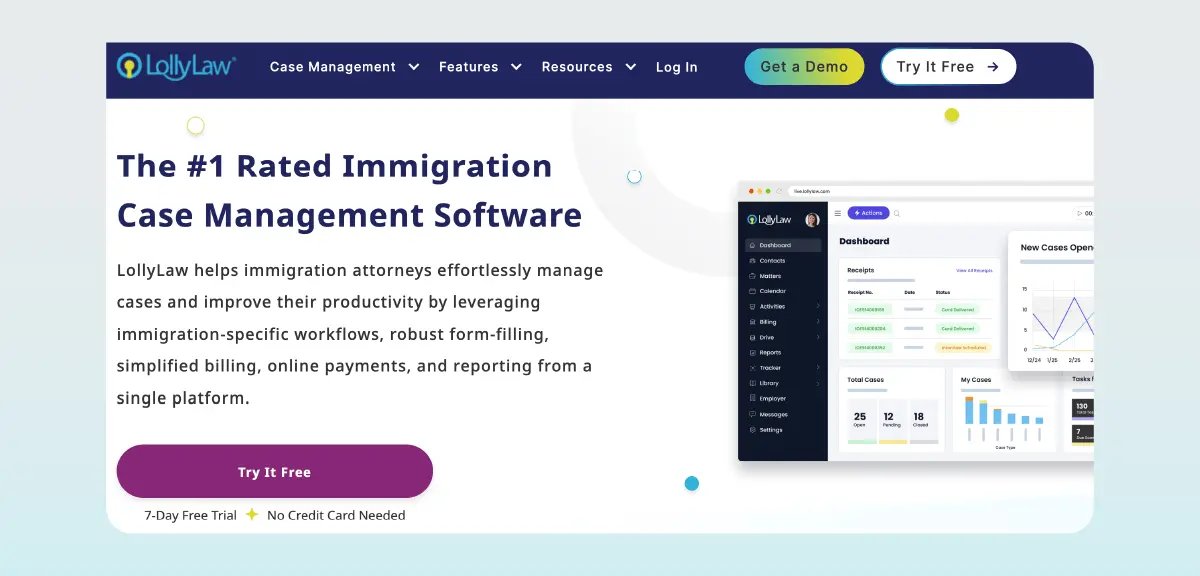
Best for: Family and business immigration law firms that want a purpose-built all-in-one platform.
LollyLaw's form library, LollyForms, is updated within hours of a government release, and immigration-specific workflows auto-generate case tasks and filing deadlines. More than 100 intake questionnaires, translatable into up to 20 languages, sync directly to forms, and a client portal, plus billing through LollyPayments, round out the platform.
Key features:
-
Form library updated within hours of release
-
Workflows that auto-generate tasks and deadlines
-
100-plus multilingual questionnaires synced to forms
-
Client Bridge portal for progress and invoices
-
Time tracking and payments via LollyPayments
Pros:
-
Easy to learn, often within the first day
-
Strong customer service reputation
-
Cost-effective relative to competitors
-
A large multilingual questionnaire library
Cons:
-
Pricing isn't published publicly
-
Smaller third-party review volume
-
Emphasis on form-filling over direct USCIS e-filing
Pricing: Available upon request; not published by the vendor
5. Legal Bridge
Best for: Immigration firms forced on work visas and corporate global mobility teams that want an AI-first platform to consolidate intake, drafting, and filing.
Legal Bridge is an AI-native, immigration-only platform automating the workflow from document intake through filing: AI-powered OCR intake and drafting feed into pre-built visa workflows, DS-160 and USCIS form filling, a multilingual client portal, and e-filing.
Key features:
-
AI document intake and OCR from passports and certificates
-
AI drafting for petitions and exhibit lists
-
Pre-built visa workflows by category
-
USCIS form filling and DS-160 automation
-
Multilingual client portal for intake, e-signing, and payment.
Pros:
-
Consolidates scheduling, e-sign, invoicing, AI intake, and USCIS exports in one platform
-
Purpose-built for immigration with pre-built visa workflows
-
AI categorizes documents and lets users query entire case files
-
Independently noted for using generative AI to categorize documents
Cons:
-
Limited multi-lingual messaging support only, limited forms library
-
Focuses on H1-B/work visa, not a good fit for immigration firms who handle other types of cases
Pricing: Public tiers (Free, Pro, Enterprise) are available, but specific amounts aren't published; detailed pricing is available upon request or during a demo
6. Clio
Best for: General-practice or multi-practice firms that handle immigration alongside other work.
Clio is a leading general-purpose legal platform that supports immigration work through customizable fields, document automation, task lists, and calendaring. For deeper form preparation, Clio points firms toward syncing with dedicated tools like DocketWise or PrimaFacie. It's the best fit when immigration is one of several practice areas rather than the sole focus.
Key features:
-
Immigration-specific custom fields
-
Document automation and templates
-
Task lists tracking outstanding versus received documents
-
Calendaring synced with Office 365 or Google Calendar
-
Secure client portal and intake
-
Integrations with DocketWise or PrimaFacie for form prep
Pros:
-
Powerful automation for administrative and legal workflows
-
An extensive library of integrated apps
-
Custom fields keep intake-to-filing traceable
Cons:
-
Pricing can be steep for solo practitioners
-
Not purpose-built for immigration, needing additional tools
-
Doesn’t have live USCIS integration for updates
-
Lacks an OCR/smart document upload feature
-
A Clio Draft subscription is required to access immigration forms, which is another $99 per person per month
Pricing: Plans are publicly listed from around $49/user/month (Starter) to $169/user/month (Complete); immigration functionality incurs an additional per-user cost
How to choose the right immigration case management software
Choosing the right solution is less about finding the best in the abstract and more about matching a system to how your firm actually works. Treat the three steps below as a sequence, not a checklist to skim.
1. Start by mapping your firm's case mix and volume
Before you look at a single vendor, audit your own practice: which visa and case types you file most, your monthly volume, team size, and where time is currently getting lost, whether that's form prep, intake, or chasing deadlines. This profile is the biggest driver of fit—a high-volume employment-based shop, a family-immigration solo practice, and a multi-practice firm that handles immigration occasionally, each need very different tools. Write down three to five must-have capabilities before a single demo, so a slick pitch doesn't pull you off your actual needs.
2. Shortlist against immigration-specific must-haves, then pressure-test in a demo
Filter the market down to a few of the best immigration case management software options using immigration-specific requirements , not a generic legal software checklist: how deep and up-to-date is the form library, does the system track deadlines and priority dates automatically, and does multilingual intake sync directly to forms? Then run a hands-on demo using one of your firm's own real case types, watching how many clicks a filing takes and whether data flows end-to-end without re-keying. Bring in the paralegals who will live in the system daily, since their read on usability tends to predict adoption.
3. Weigh total cost, migration, and support before committing
Look past the sticker price to the full cost of ownership: per-user versus per-case pricing, paid add-ons for immigration features, implementation fees, and whether an introductory discount quietly expires. Ask each finalist how data migration works, what training is included, and how responsive support actually is once you're a customer rather than a prospect. Finally, confirm the vendor keeps forms current with USCIS releases and can scale with your firm, then decide based on fit and long-term cost rather than which demo looked most polished.
Key features to look for in immigration case management software
These areas separate a genuinely immigration-native platform from a generic tool with immigration bolted on, and they're worth scrutinizing closely in any demo.
Depth and freshness of the immigration form library
Check whether the platform auto-populates the specific USCIS, DOL, and DS forms that your practice actually files, and how quickly the library updates when the government releases a new version. Outdated or missing forms mean rejections and rework, so this one directly affects filing accuracy. It's really what most firms are asking for when they search for software for immigration forms: a library that keeps pace with the government rather than lagging by a few months.
Smart immigration form automation
The best tools collect client data once and reuse it across every USCIS, DOL, or DS form the case calls for, instead of asking your team to retype the same details over and over. That's what actually reduces transcription errors and the delays they cause. The strongest platforms take it a step further, automatically carrying a client's data across every form tied to their case, not just the first one someone fills out.
Multilingual client intake and questionnaires
Clients who aren't native English speakers should be able to complete intake in their own language, with their answers mapping straight onto the forms your team files. It's a small thing that removes a real communication barrier and, just as importantly, improves the accuracy of the data you're working with from the very first step. The firms that get the most out of this look for a wide range of supported languages, paired with questionnaires that sync directly into case forms, so no one has to transfer answers by hand.
USCIS case status and priority-date tracking
A good system surfaces case status, receipt notices, and priority dates automatically, essentially working as immigration tracker software baked into your case files rather than a separate spreadsheet someone has to maintain. That keeps deadlines visible to your team and keeps clients in the loop without anyone having to check a status page by hand. It's an even bigger win when those updates trigger a notification the client actually sees, rather than one your team has to send manually.
Secure client portal and document requests
A portal where clients can securely upload documents, fill out questionnaires, and check on their case's progress eliminates much of the back-and-forth email that otherwise piles up. It also keeps every document in one place instead of being scattered across inboxes. The portals that work best make it obvious at a glance which documents have been requested and which are still outstanding, so nobody has to dig for the answer.
Why DocketWise stands out as a case management solution for immigration firms
DocketWise stands out because it was built for immigration case management from the ground up, not adapted from a general practice tool. It pairs a continuously updated form library with multilingual intake and USCIS priority-date tracking, and it's frequently described as intuitive and easy to learn in user reviews on sites like Capterra , and a strong default for solo and small-to-midsize immigration practices.
If you want to see how the form automation and client portal fit your workflow, explore DocketWise . Book a demo to walk through it with your own case types before you decide.
Best immigration case management software: Frequently asked questions
What is the best immigration case management software?
There's no single winner for every firm; the right answer depends on your firm's size, case mix, and whether immigration is your sole focus or one practice area among several. Docketwise is a strong immigration-specific choice for solo and small- to midsize firms that want deep form automation without extensive setup.
Can immigration case management software file USCIS forms?
Many platforms auto-populate USCIS, DOL, and DS forms from client data, and some, including DocketWise and eImmigration, offer direct e-filing. Others generate completed forms that still need manual re-entry into the USCIS portal, so confirm which model a platform uses before you commit.
Can clients complete intake in another language with immigration case management software?
Yes. Leading platforms, including DocketWise, offer multilingual intake questionnaires that clients complete in their own language, with answers mapped directly onto the forms your team files.